
The console feature enables you to execute commands on the cluster. For example, you can perform `put` and `get` operations on a map.
| The console is not recommended for production use. |
-
Open a console window by clicking on the Console button located on the left panel or the one located at the top menu.
You can also open the console, using the kbd::[Alt + T] keyboard shortcut on Windows/Linux and kbd::[Option + T] on macOS. 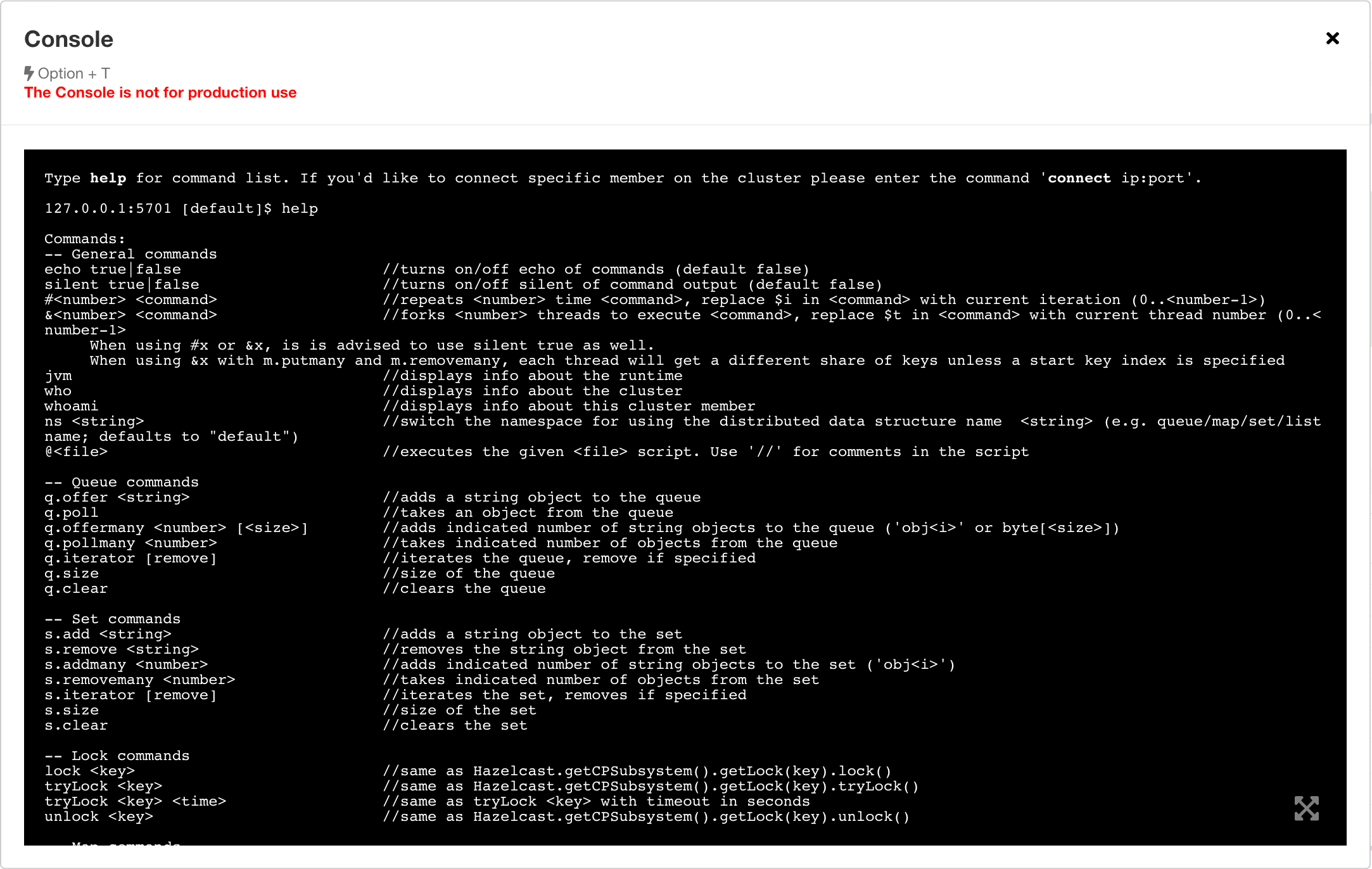
-
Set the namespace of a data structure, using the
ns <name of your data structure>command.The console does not support data structures with spaces or special characters in their names.
To get help or a list of all possible commands, enter help in the console.